6 Best TikTok Post Schedulers For 2026 (Pros & Cons)


Want to get organized and plan your TikTok content ahead of time? You need a TikTok scheduling tool.
Here’s the truth. Consistency on TikTok matters more than almost anything else. But logging in every day to post manually gets old fast. And that’s where the right scheduler changes everything.
In this post, we’re comparing the best TikTok scheduling tools available right now. You’ll see which ones are worth your time, which ones aren’t, and which tools actually help you post consistently, stay visible, and grow without living inside the app.
If you want more reach with less effort, you’re in the right place.
The best TikTok scheduling tools – top picks
Viraly is our top pick. It offers the best balance of features and affordability. Includes a free plan and better pricing on paid plans than most other platforms.
Pallyy is the best TikTok scheduling tool for content creators. It’s affordable and its scheduler is designed with visual social networks in mind. A social inbox is included and it supports TikTok comments.
SocialBee is the best social media scheduler for those focused on evergreen content. Their scheduler is designed around content queues, making organizing your content easy. You can even recycle your evergreen content & set expiry dates for recurring content.
#1 – Viraly
Viraly is a powerful TikTok social media post scheduler with lots of nuanced features to suit your needs.
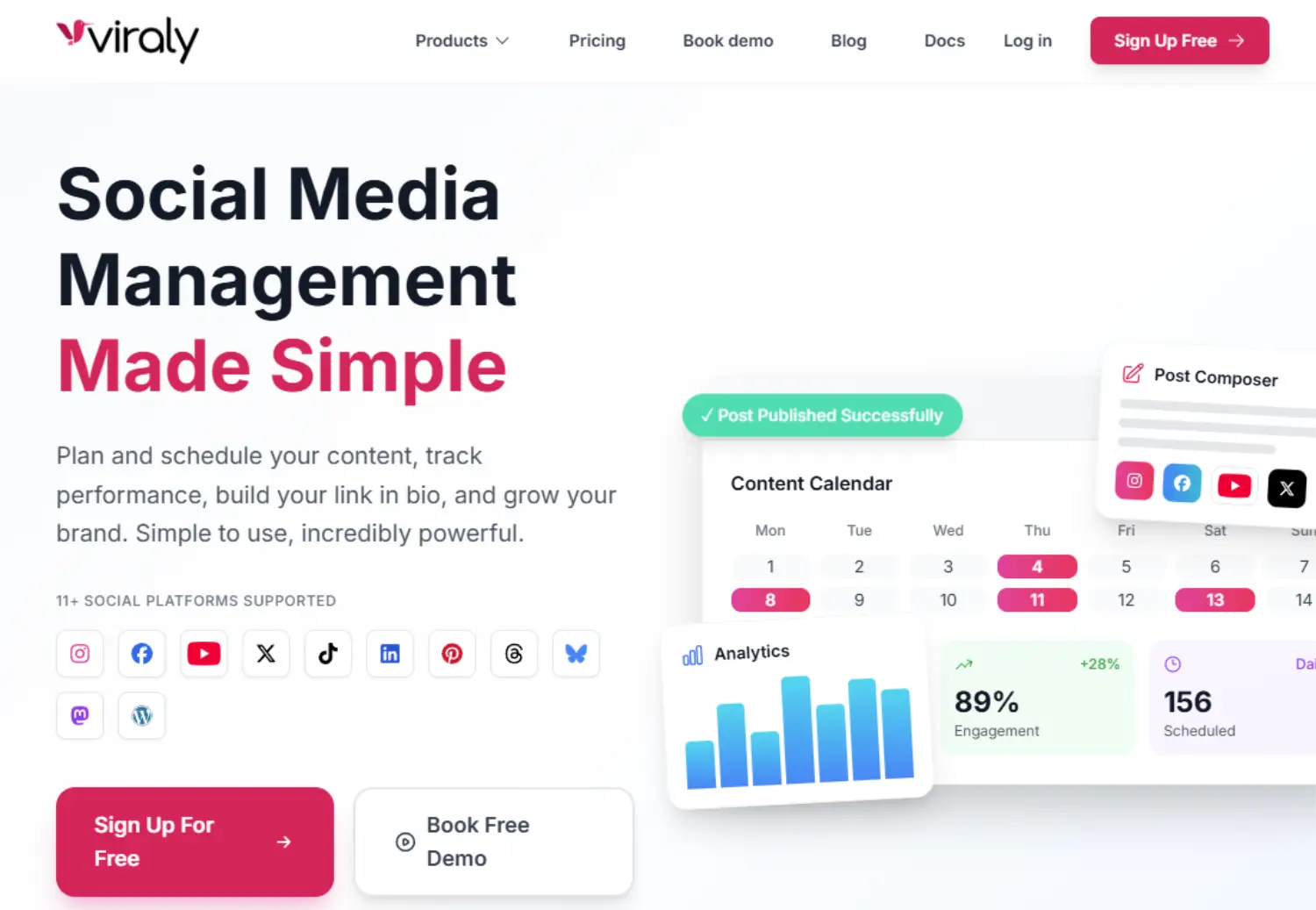
Viraly does both standard video posts as well as multi-photo video carousels with up to 35 photos. As you’re creating your post, you’ll be able to preview exactly how it will look before it goes live.
Additionally, you can configure who will see the video, enable/disable comments, enable video duet mode, enable video stitching, mark the video as organic/branded content, mark it as AI-generated content, add hashtags, and much more.
You can either publish your posts immediately, or schedule them for a specific time and date in the future. Or, you can allow Viraly to select the optimal times for your post to go out.
Apart from the TikTok post scheduling feature, Viraly also offers a comprehensive TikTok Analytics module which gives you in-depth channel and post insights. You can import TikTok posts and show them in the Post Scheduler views.
It will display post metrics such as: views, likes, comments, shares. You can display channel metrics such as: verification status, number of videos, followers, following, likes. Also, you can export analytics in CSV format.
In addition to TikTok, Viraly also offers post scheduling for Facebook, Instagram, Threads, YouTube (for Shorts), LinkedIn, X, and Pinterest.
Key features:
- Schedule videos and carousels
- Media library
- Analytics
- Hashtag manager
- Comprehensive post composer settings
- AI content generator
- Option to specify privacy level
- Option to disable post comments
- Option to disable duets and stitching
- Option to mark post as “Branded Content” or “Brand Organic”
- Support for most popular social networks
| Pros | Cons |
| Comprehensive post composer settings | No social inbox (yet) |
| Post in parallel to other social networks | |
| TikTok analytics suite | |
| Easy to use | |
| Affordable – great entry-level pricing |
Pricing:
Free plan available. Plans begin at $19/month, save 17% when billed annually.
Read our Viraly review.
#2 – Pallyy
Pallyy is a really useful scheduling tool that can be used to plan your TikTok content and manage and schedule all of your other social media content. It’s a perfect choice for creators that need an all-in-one scheduling solution that’s easy to use and affordable.
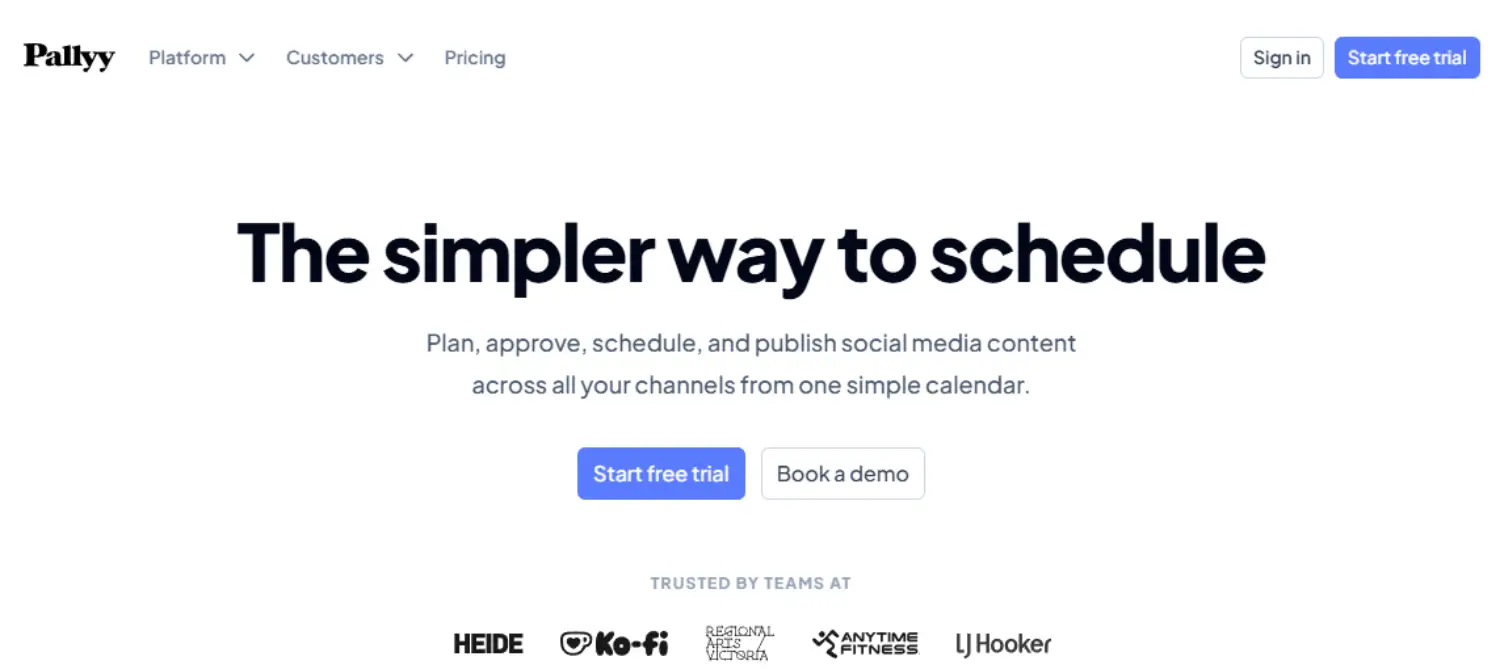
Pallyy uses a visual calendar that makes it easy for you to plan and view your upcoming TikTok posts. You can choose a date and time for your posts, and add all your hashtags and emojis ahead of time. There’s also a great hashtag feature that you can use to plan and save hashtag lists for your upcoming posts.
Using Pallyy is super simple. You can upload content, create and rearrange posts in just a few clicks, and view all of your planned posts for different platforms in one simple calendar grid.
You can also create content queues from the settings in the social calendar.
Aside from TikTok, you can also use Pallyy to schedule for Instagram, Pinterest, Facebook, Threads, YouTube, Twitter, LinkedIn, and Google Business. This makes it a great choice for businesses and influencers alike.
In addition to its powerful scheduling features, Pallyy recently launched a new social inbox that can help you stay on track with responding to your DM’s, comments, and mentions across all your socials, including TikTok. Pallyy also offers analytics and reporting for Instagram, Facebook, and Linkedin.
Key features:
- Quick and easy TikTok scheduling
- Content queues
- Hashtags lists feature
- Unified social inbox
- Analytics and reporting for Twitter, Facebook, Instagram, and LinkedIn
- Easy to use visual calendar
- Bio link tool
| Pros | Cons |
| Easy to use and beginner-friendly | No TikTok analytics |
| Affordable | |
| Scheduler supports other popular social networks |
Pricing
Pallyy is free for 1 social set and up to 15 scheduled posts per month. Additional social sets and unlimited posts starts from $25/month, annual discounts available.
Read our Pallyy review.
#3 – SocialBee
SocialBee is a full-featured social media scheduling tool that is perfect for TikTokers. It’s an all-in-one tool that can not only help you schedule TikTok posts in advance but also track and analyze your content performance on the platform. With SocialBee you can schedule videos, multiple videos, images, video+caption, and image+caption posts with ease.
You can also create content categories and queues for your TikTok posts to organize your content and ensure that you’re posting fresh and engaging content consistently. You can also use the evergreen content feature to recycle and make the most out of your top-performing content. This feature allows you to set expiry dates for recurring content.
Another great feature of SocialBee is that it provides hashtag suggestions for your posts that can help you to stay on top of your hashtag game.
Unlike many tools in this list, SocialBee also provides TikTok analytics, making it a great choice for TikTok scheduling. You can learn more about views, reach and impressions, audience growth, and your best-performing posts. You can also access heat and bubble maps which give you an in-depth look at how people are interacting with your TikTok content.
In addition to all of the TikTok-specific features, SocialBee can also be used to manage your other social media tasks. You can use it for Facebook, Instagram, Twitter, LinkedIn, Pinterest, and GoogleMyBusiness scheduling, and more.
Key features:
- TikTok scheduling
- TikTok Analytics
- Content categories and queues
- Evergreen content features
- Social media scheduling and management
| Pros | Cons |
| TikTok Analytics | No social inbox |
| Full-featured scheduling tool | |
| Schedule content to a wide variety of social networks |
Pricing:
Plans start from $29/month, save 16% when billed annually. Get started with a 14-day free trial.
Read our SocialBee review.
#4 – Later
Later is another TikTok scheduler and management tool that also supports other popular social networks.
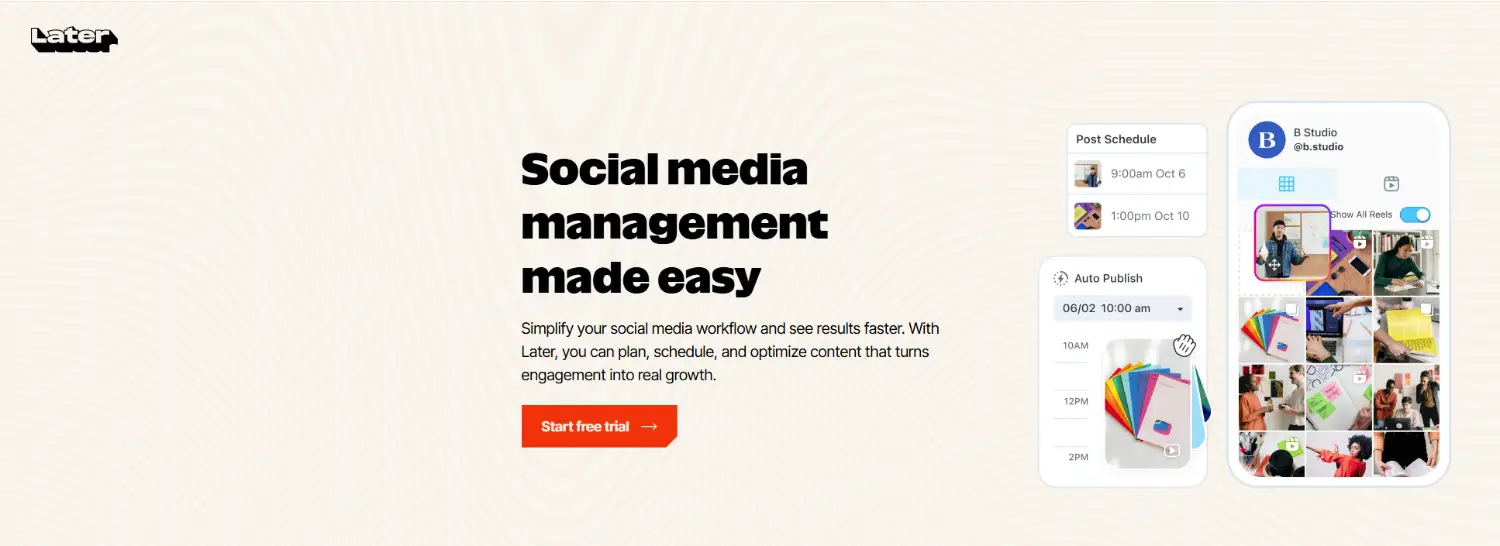
You can use Later’s Auto Publish tool to schedule your TikTok posts to go live ahead of time. Plus, add hashtags and mentions, and allow formats like stitching and duets. Aside from TikTok, Auto Publish is also available for Instagram, Facebook, Twitter, and LinkedIn.
On top of the core scheduling and publishing tools, Later also lets you moderate, reply, like, pin, and hide comments through TikTok Conversations. You can use the integrated Analytics tool to measure, track, and optimize your TikTok performance.
And there’s also a TikTok link-in-bio tool that you can use to create your own customizable landing page and send your followers to all your key links.
Key features:
- Auto Publish for TikTok & other social media platforms
- Comment moderation
- Analytics
- Link in bio
- Content curation (find and share UGC)
| Pros | Cons |
| Nice UI | Steeper learning curve than some other tools |
| Supports lots of social media platforms | Analytics are pretty basic |
| Good value for money |
Pricing:
Paid plans start at $18.75/month when billed yearly. You can get started with a free account or try any paid plan free for 14 days.
#5 – Metricool
Metricool is an all-in-one social media management tool that gives you everything you need to analyze, manage, and grow your digital presence in one place.
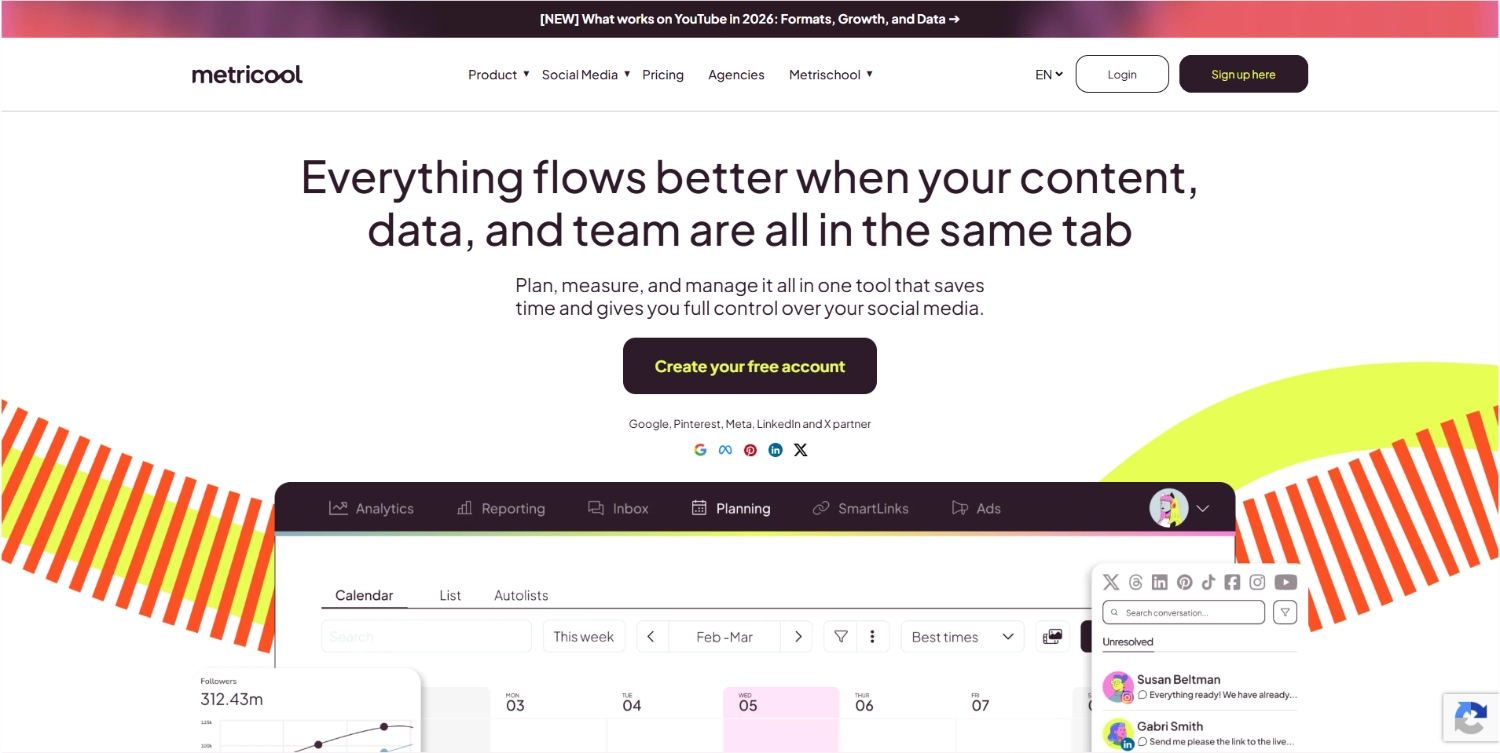
It integrates with TikTok as well as all the other social networks you know and love (Facebook, Instagram, Twitter, LinkedIn, Twitch, YouTube, Pinterest, etc.)
The core of Metricool is its drag-and-drop social media content scheduler. It uses an intuitive calendar interface, on which you can plan and schedule posts across multiple accounts.
And there are some neat features that we really like, like Optimal Time (which helps you launch your posts when your audience is most active), CSV importing (so you can import your content calendar to Metricool’s planner in one click), etc.
But the content scheduler is just the tip of the iceberg. Metricool also gives you access to a bunch of other useful social tools, including powerful analytics, reporting, a unified social media inbox, and even an integrated link-in-bio tool.
In particular, we really like Metricool’s analytics capabilities. It puts all the metrics you need to monitor your social media campaign performance at your fingertips. You can keep track of how your TikTok posts are performing, monitor your competitors, look through historical data, and more.
Aside from helping you schedule your organic TikTok content, you can also use Metricool to create and manage your TikTok Ads campaigns (as well as Google Ads and Facebook Ads).
Key features:
- Analytics
- Calendar / planner
- Analytics
- Competitor analysis
- Unified inbox
- Ads management
- Comment management
- Hashtag tracker
- Reporting
- SmartLinks (link-in-bio)
| Pros | Cons |
| All-in-one toolkit | No native report metric customization (requires Data Studio integration) |
| Powerful analytics | UI needs updating (feels a little clunky) |
| TikTok ads management | |
| Easy to use |
Pricing:
You can get started with a free Metricool account, limited to 1 brand. Paid plans start at $20/month (annual discounts available).
Read our Metricool review.
#6 – Loomly
Loomly is a brand and content management tool aimed at marketing teams. It comes complete with an array of scheduling tools that can assist you in managing your content for TikTok, as well as other major social media platforms.